
Multi-chain assets
When reviewing assets across networks, identify the network first, then check the address, gas currency and confirmation state.
Learn how to handle multi-chain assets, choose networks, send and receive funds, connect to DApps, review approvals, understand blockchain networks and build safer wallet habits through one connected learning path.
Keep recovery information offline and avoid screenshots or casual cloud sync.
Backup guidance →When reviewing assets across networks, identify the network first, then check the address, gas currency and confirmation state.
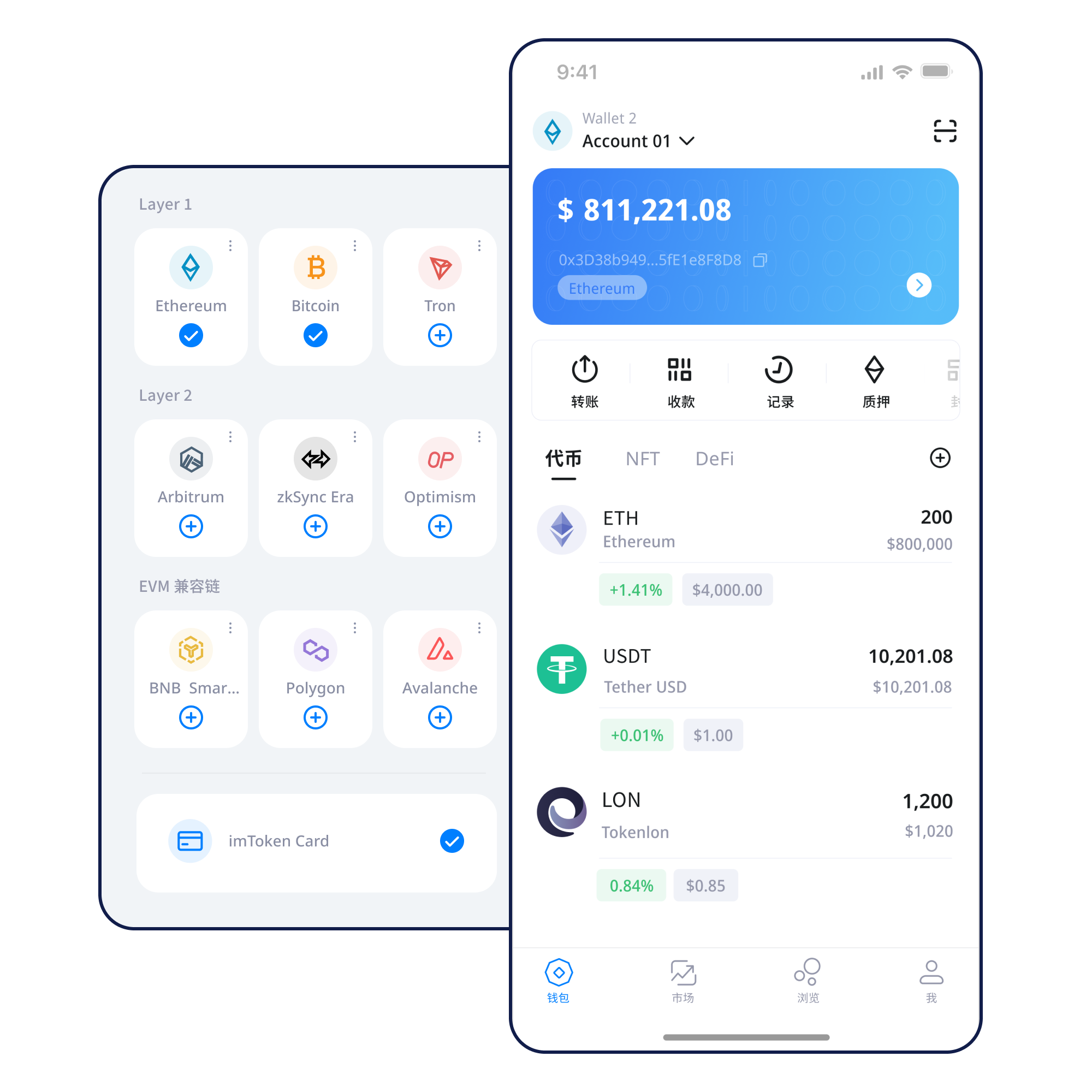
Use the mobile wallet for network management, asset views, transaction history and DApp access while keeping the device environment under your control.
Destination address, network, amount, gas and transaction hash form one verification chain.
Transfer guide →Browser connections require separate review of account requests, signatures and approvals.
Web usage →Seed phrases and private keys stay under user control. Keep backups offline and review device security and approvals over time.
A familiar address format does not mean two networks share the same state. Network choice affects gas, confirmations, EVM compatibility and Layer 2 transfer paths.
Each chain has its own ledger, fee market and confirmation rhythm. Confirm the current and destination networks before sending.
Nodes propagate transactions, consensus determines block order, and block explorers expose public on-chain state.
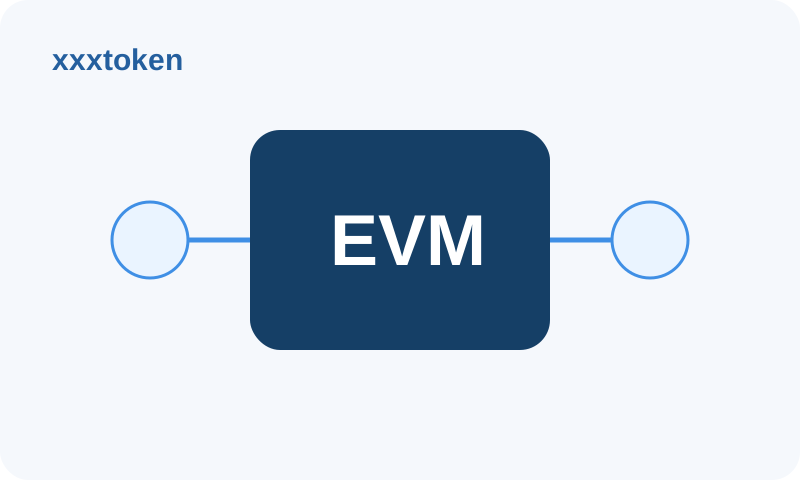
EVM networks share a similar contract model while chain IDs, gas currencies and state remain separate.
Layer 2 systems have settlement relationships with a base layer, and cross-layer transfers may involve bridges and waiting periods.
Use a trusted entry point and never submit recovery credentials to an unfamiliar site.
Understand addresses and control, and only handle recovery information in a trusted wallet environment.
Keep seed phrases offline and never disclose private keys or verification codes.
Confirm the chain, gas currency, destination address and service support.
Review address, network and amount, then keep the transaction hash for verification.
Read DApp requests before signing and periodically revoke permissions you no longer need.
Connecting a wallet does not mean every later request should be approved. Review every signature and permission on its own terms.
Open the Web3 guide →Users control their seed phrases and private keys, and imtoken staff will never ask for them. Before sending, signing or approving, review the address, network, amount and exact request. Confirmed on-chain transactions are generally not reversible by the wallet, and third-party DApps and smart contracts can introduce additional risk.
Public computers, public networks, remote-control tools and untrusted browser extensions can all increase exposure. Put the review step before every sensitive action.
Open the Security Center →Addresses identify on-chain accounts, seed phrases and private keys relate to control, networks determine where a transaction happens, gas pays for execution, and transaction hashes help you verify results. Web3 adds another layer: connections, signatures, transactions and approvals are separate actions.
Start learning →Understand blocks, confirmation depth and explorer checks.
Understand addresses, gas, tokens and contract calls.
Learn about bridges, waiting periods and arrival confirmation.
Make signature and permission review part of every workflow.
Ethereum PoS uses validators to participate in consensus. Rewards come from protocol mechanisms and can change with network conditions; exits can also involve waiting periods.
Learn about Ethereum staking →Keep address, network and fee checks in place before transfers and network switches.
Normal connection, support and claim flows should never ask for a seed phrase or private key.
Choosing the wrong network can create confusing balance or arrival results.
An account connection does not remove the need to inspect each later request.
EVM networks can use the same address format, while balances and transaction state remain separate.
Use the transaction hash in the relevant network's block explorer to check status, confirmations and execution.
A connection creates a session; each later signature, transaction and approval still needs separate review.
No. imtoken staff will never ask for a seed phrase, private key or verification code.
Cross-layer flows can involve bridges, proofs or exit queues depending on the network design.
No. Rewards vary, and validator, contract, exit and market risks remain.
After getting imtoken, secure your backup before moving on to networks, transfers and approval checks.
Download imtoken